
Sign in
Accept your invitation, sign in with email or SSO, and fix sign-in problems.
You sign in to Konsaro in your web browser. Depending on your organisation, you use your email address and a Konsaro password, or your company login (single sign-on, SSO). If you have turned on two-step verification, Konsaro also asks for a code from your authenticator app or a text message. This page is for everyone, including people who cannot sign in yet.
Your first sign-in from an invitation
Your board office or organisation admin invites you by email. The subject reads "You're invited to … in Konsaro" and names your board or committee.
- Open the invitation email and select Open Konsaro.
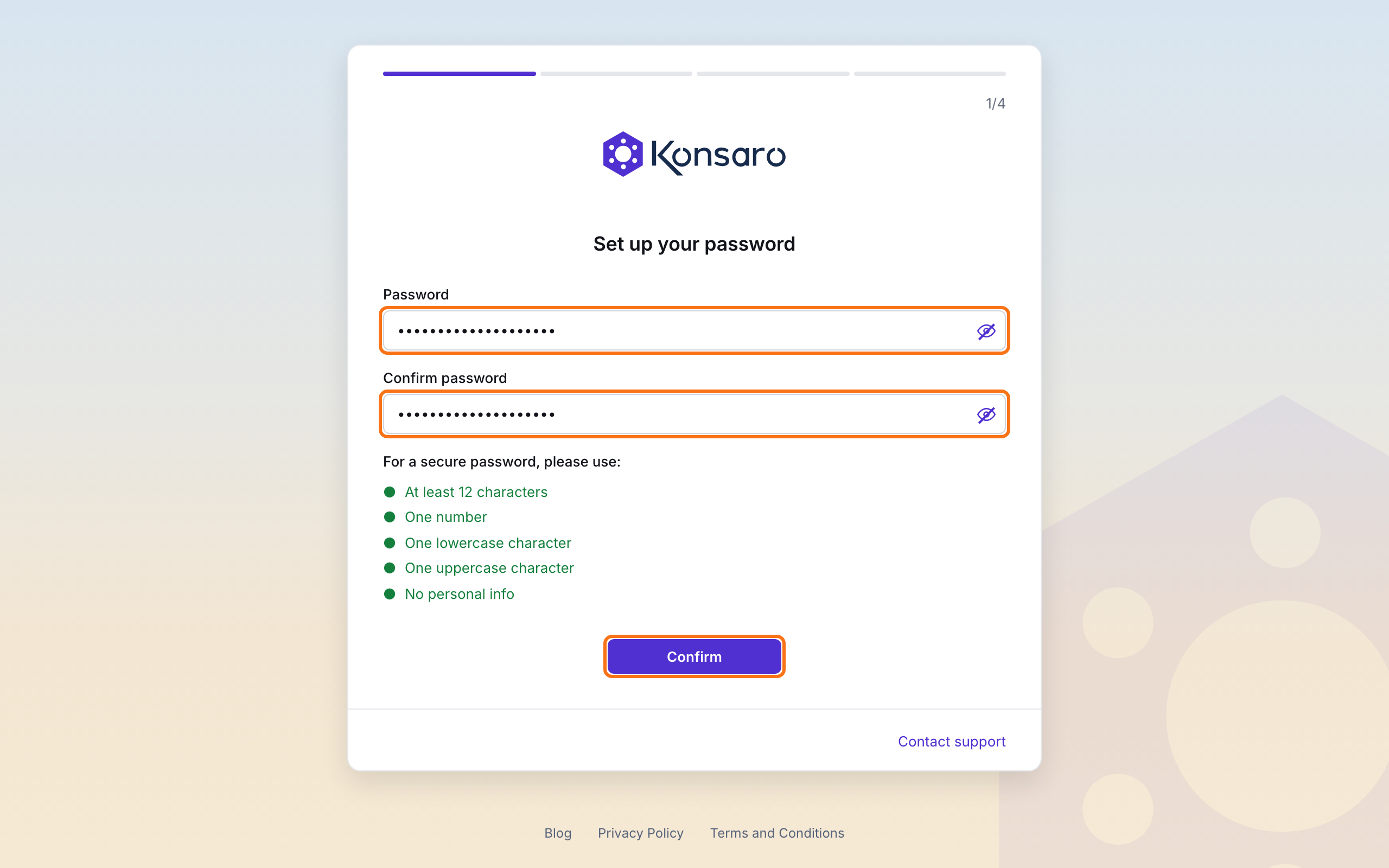
- Under Set up your password, enter a Password and enter it again under Confirm password. The list below the fields shows what is still missing: at least 12 characters, one number, one lowercase and one uppercase character, and no personal information such as your name.
- Select Confirm.
- Under Set up two-step verification, select Set up authenticator app (recommended) and follow the steps, or select Set phone number to get codes by text message. To do this later, select Skip for now.
- On You're all set, select Continue to Konsaro. Konsaro opens the Home page of your board or committee.
If you skipped two-step verification, we recommend turning it on afterwards: open your name at the bottom of the left sidebar, choose Sign-in & security, and under Two-step verification set up an authenticator app (such as Microsoft Authenticator, Google Authenticator or 1Password) or text messages.
Sign in with email and password
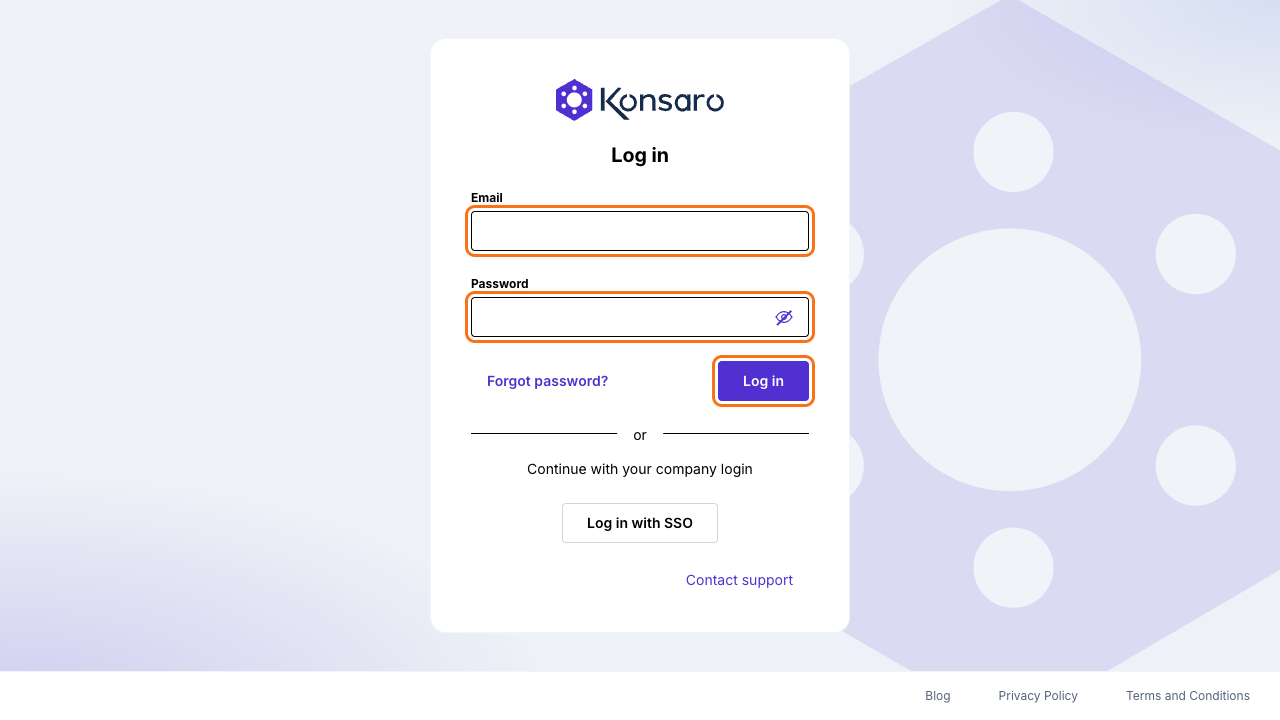
- Open Konsaro in your browser. The Log in page appears.
- Enter your Email and Password, and select Log in.
- If Konsaro asks for a code, enter it and select Verify.
- Konsaro opens your board or committee.
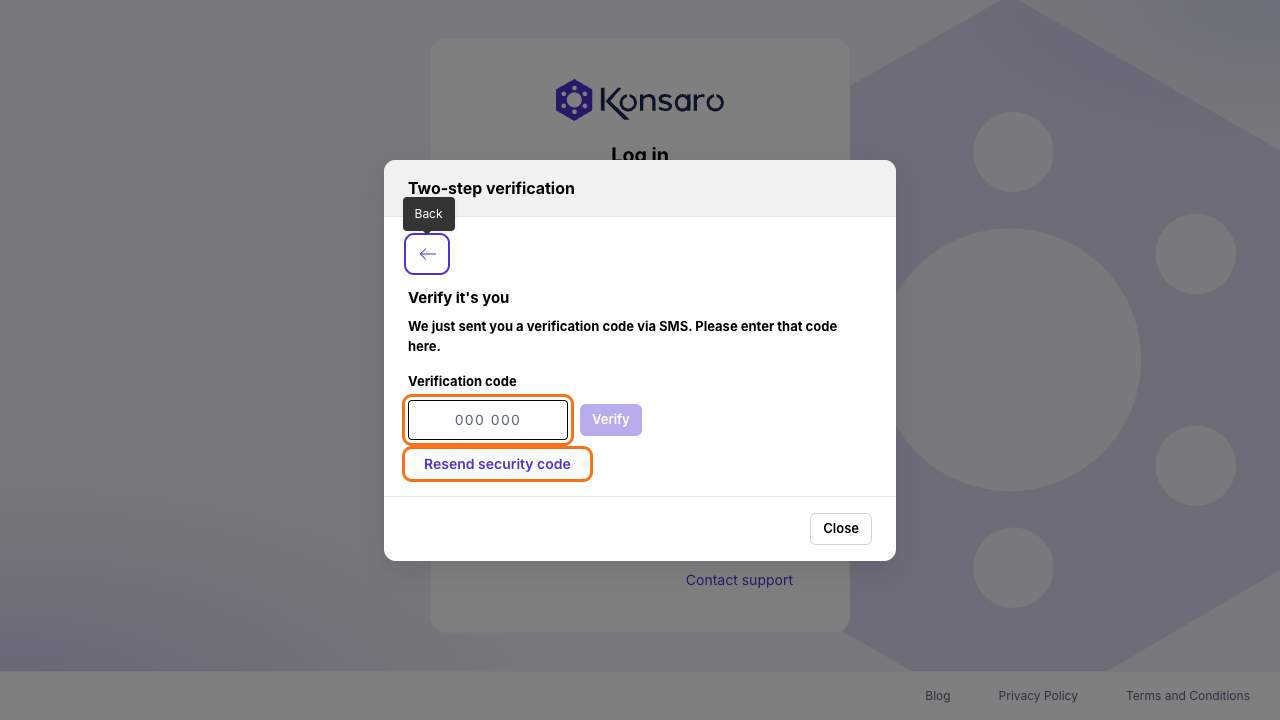
With an authenticator app, the Authenticator code window asks for the 6-digit code your app shows. With text messages, the Verify it's you window asks for the Verification code just sent to your phone. If no text message arrives, select Resend security code.
Sign in with your company login (SSO)
If your organisation has set up single sign-on with Microsoft, you sign in with the same work account you use for your company's other tools, and your company manages your password.
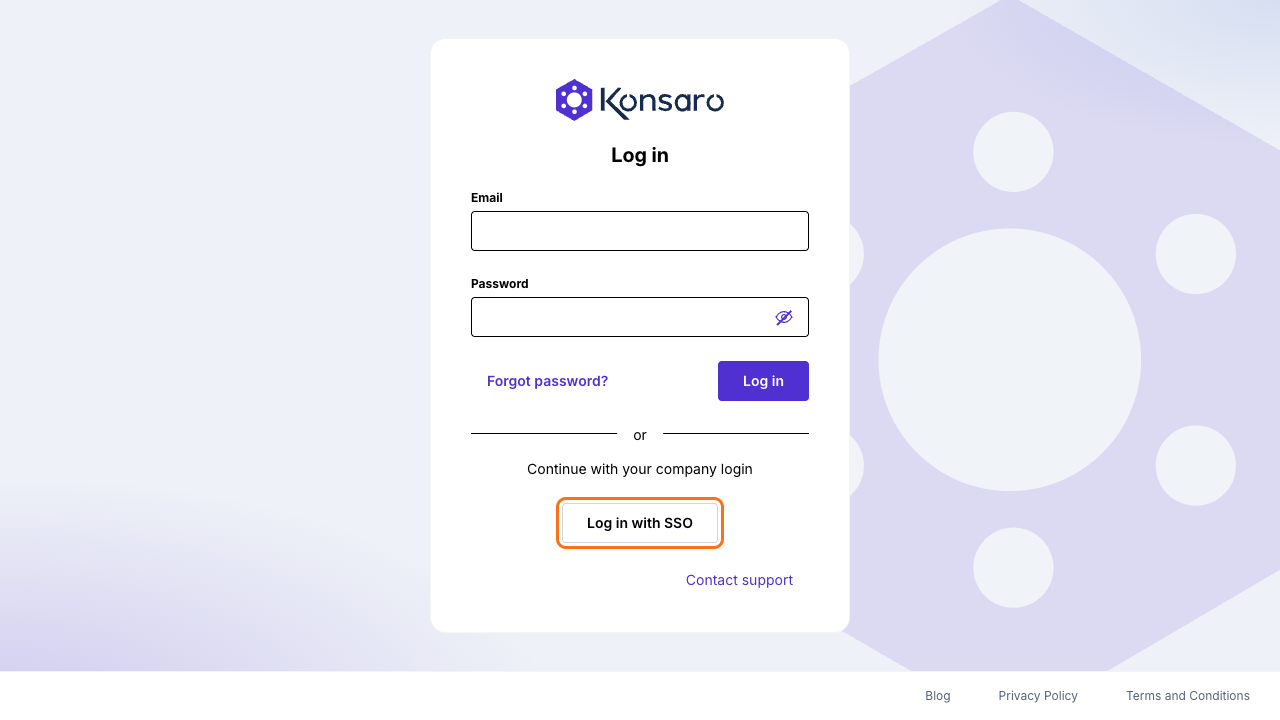
- On the Log in page, under Continue with your company login, select Log in with SSO.
- Enter your work email address and continue.
- Your company's Microsoft sign-in page opens. Sign in there as usual.
- You are returned to Konsaro. If your organisation does not use SSO for you, select Log in with password to go back.
Forgot your password?
- On the Log in page, select Forgot password?.
- Under Can't log in?, check the email address and select Send link.
- Open the email and follow the link. Select Continue and set a new password of at least 12 characters.
- Sign in with the new password.
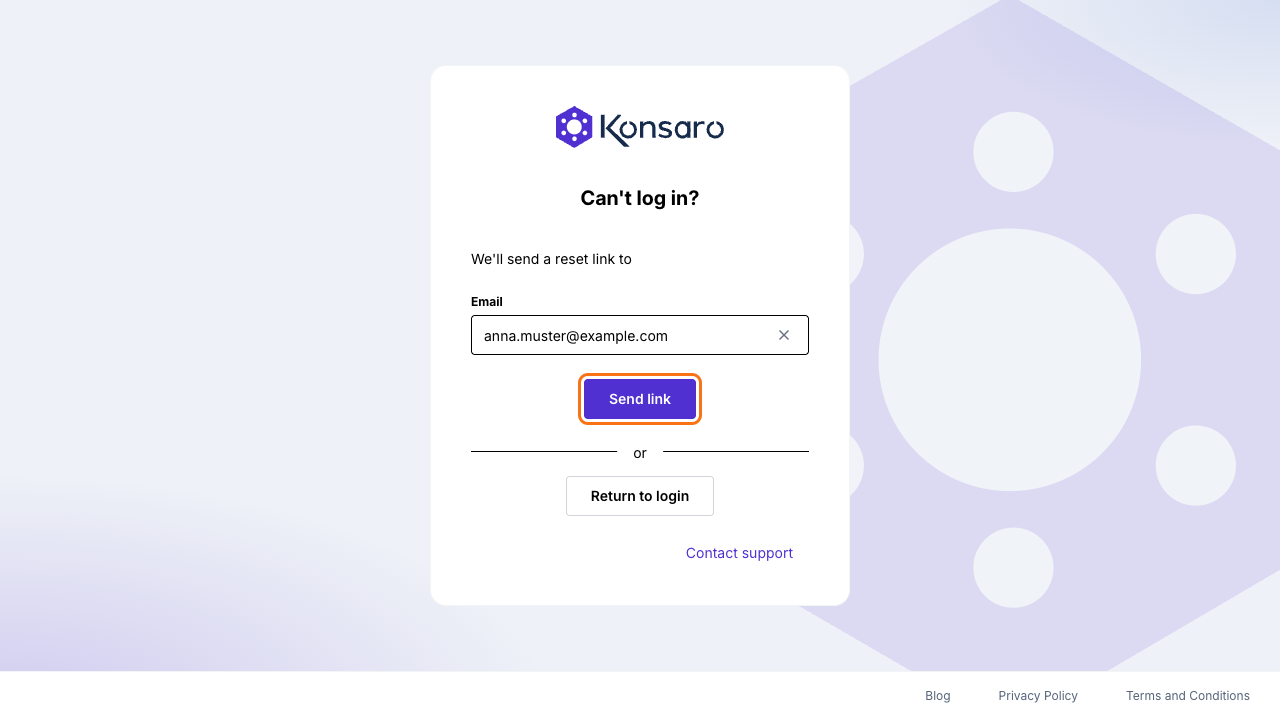
For your security, Konsaro shows the same confirmation whether or not an account exists for the address. If no email arrives, check your spam folder and the spelling of the address. If you sign in with SSO, your company's IT team resets your password, not Konsaro.
Signed out after a break
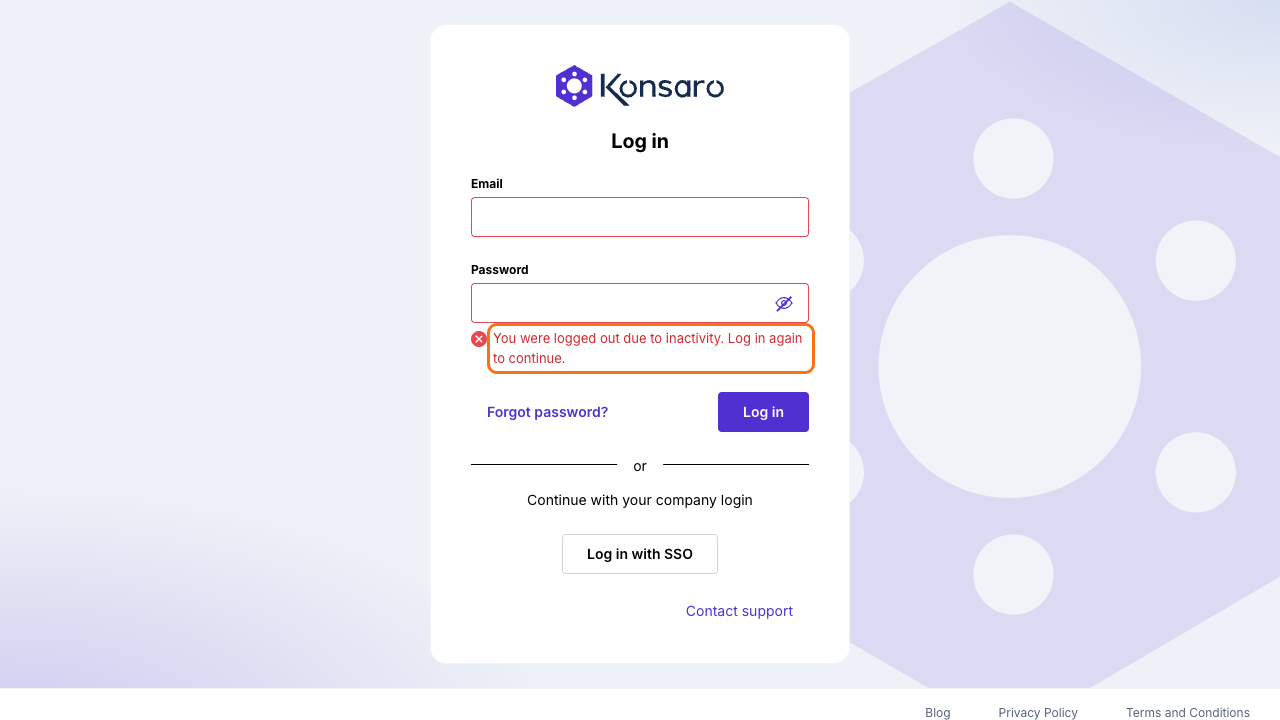
Your organisation can sign people out automatically after a period without activity, to protect board materials on an unattended screen. You then see "You were logged out due to inactivity. Log in again to continue." Sign in again to carry on.
Common sign-in messages
- "Incorrect email or password. Try again, or log in with your company SSO if available." Check the address and password, or reset your password.
- "Too many failed attempts. Try again in … min." Sign-in is paused after several failed attempts. Wait the minutes shown, or reset your password.
- "The code is wrong. Please enter the security code that was sent to your phone." Enter the newest code you received, or select Resend security code.
- "We could not find any SSO provider based on that email address." Your organisation has no company login set up for this address. Sign in with email and password, or ask your IT team.
- "Domain doesn't match." The company account you used does not belong to the organisation that invited you. Sign in with the account your invitation was sent to.
- "Could not reach the sign-in service. Check your connection and try again." Check your internet connection, then check Service status in the Trust Center at www.konsaro.com/trust/status.
Common questions
Can I change the language of the sign-in page?
No. Konsaro's screens, including the sign-in pages, are in English for now. Your meetings, papers and minutes stay in the language your board works in.
I belong to several boards. Where do I find the others?
After signing in, switch between your boards and committees with the room name at the top of the left sidebar.
Was this page helpful?