
AI for the board office: before, during and after
—10 min read
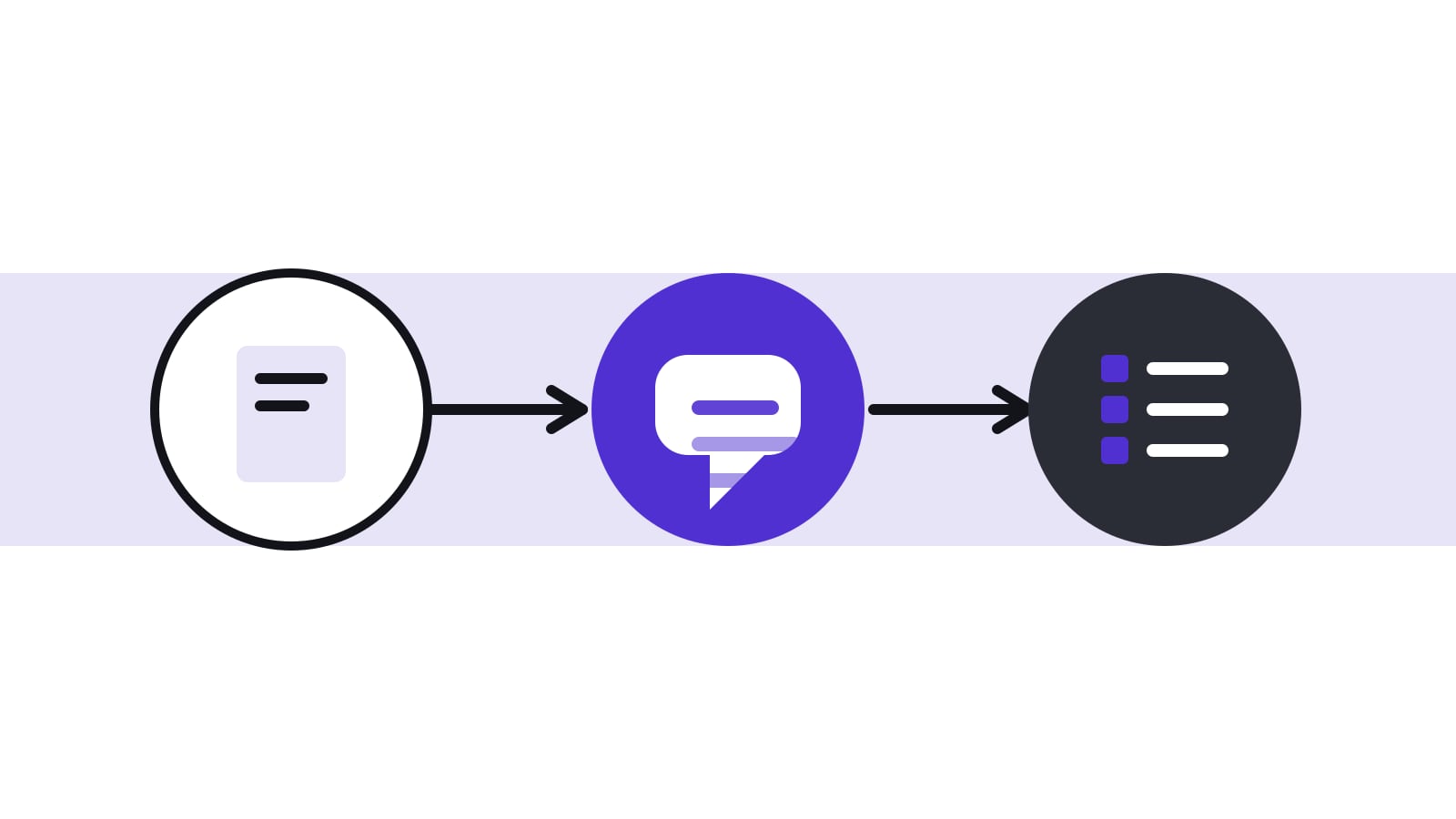
For the board office, AI is most useful in the routine steps around each meeting: turning last meeting's open tasks into agenda items, drafting the invitation, producing a first draft of the minutes from a transcript, translating agenda and minutes, and listing the tasks that came out of the discussion. The secretary stays in charge of what goes on the agenda, what the minutes say and who owns each task.
Which board office tasks gain most from AI, and which gain nothing?
Sort the board office's work by how much judgement it needs. Writing a first version, rephrasing for clarity, translating and listing candidates are drafting tasks, and AI is good at them. Deciding what the board hears, in which order, and what the record says are judgement tasks, and they remain with people. The table gives a first sorting for the whole meeting cycle.
| Phase | Task | AI can | The secretary still |
|---|---|---|---|
| Before | Agenda item descriptions | Turn a list of topics into short descriptions in house style | Decides the items, their order and their duration with the chair |
| Before | Invitation and cover note | Draft the text from the agenda | Checks dates, recipients and attachments |
| Before | Open tasks | List tasks due before the meeting | Chooses which ones go on the agenda |
| During | Notes on decisions and votes | Nothing: keep short human notes | Records decisions, votes and requests for the record |
| After | Minutes draft | Draft each agenda item from transcript, item description and notes | Checks decisions, numbers, names and omissions |
| After | Tasks | Suggest tasks with owners and due dates | Accepts, edits or dismisses each suggestion |
| After | Translation | Translate agenda and minutes between German and English | Checks decision texts and terms against a glossary |
| After | Follow-up note to management | Draft decisions and tasks as a short note | Checks recipients and content before sending |
What can AI do before the meeting?
Preparation is mostly coordination: collecting papers, building the agenda, writing the invitation, chasing late contributions. AI helps with the writing parts. It can turn a list of topics into agenda item descriptions in house style, rephrase a proposal for clarity, or draft the cover note to the board. It should not decide what goes on the agenda or how long an item gets; that is agreed with the chair.
A useful habit is to give the tool an example: last meeting's agenda, in the form the board likes. The output then follows the house style, and the secretary edits instead of rewriting. Papers written by management stay in the author's words; the board office does not rephrase them.
What should the secretary do during the meeting?
The secretary's job during the meeting is to follow the discussion and note decisions. If the board has agreed to record or transcribe the meeting, the transcript becomes the raw material for the minutes. The secretary should still take short notes on decisions, votes and requests for the record, because those notes anchor the AI draft later. In Switzerland, recording a non-public conversation without the consent of all participants is a criminal offence (Art. 179bis and 179ter SCC), so get everyone's consent before recording or transcribing; the rules in Switzerland and Germany are covered in our post on AI meeting recorders and consent.
A transcript from a video call is also long and contains small talk, corrections and cross-talk. That is why a draft built per agenda item, from the item's title, description and the notes, beats a draft built from the whole transcript at once. Each item gets only the part of the discussion that belongs to it.
How does the minutes draft work in practice? A worked example for Muster AG
Muster AG is a fictional company; the discussion below is invented. The board discussed agenda item 4, «Approval of the supplier framework agreement», on a video call. The secretary noted: «Approved 4:1, Mr Brunner against, task: legal to check liability clause by 15 March».
- Before the draft, the secretary uploads the transcript and checks that item 4 is correctly separated from item 3.
- The tool receives the title, the type (approval), the description, the transcript for the item and the secretary's note.
- It returns a draft: «The board discussed the supplier framework agreement. Mr Brunner raised concerns about the liability cap. The board approved the agreement by four votes to one.» and suggests a task for legal.
- The secretary compares the draft with the notes. The vote count and the dissent match. The phrase «raised concerns about the liability cap» is not in the notes: the transcript shows he asked a question about the cap, and did not object to it. The secretary rewrites the sentence.
- The secretary accepts the task suggestion, sets the owner and the due date from the notes, and moves on to item 5.
- Before publishing, the secretary shares the draft with the chair for review.
Notice where the time was saved and where it was not. The tool saved the typing of a first version. It did not save the check, and the check caught a statement that sounded right but was wrong. Our method for reviewing AI drafts describes a review order that finds such errors quickly.
| Order | Check | Why first |
|---|---|---|
| 1 | Decisions and votes against your notes | These are the legally relevant lines |
| 2 | Numbers, dates, names and amounts | AI mixes similar figures |
| 3 | Who said what; attributions | Wrong attribution is the most sensitive error |
| 4 | What is missing: dissent, requests for the record | AI smooths over disagreement |
| 5 | Tone and style | Last, because it matters least |
What happens to tasks and translations afterwards?
Tasks are where meetings produce value, and also where they lose it. A model can list candidates from the discussion: who agreed to do what, by when. Each one needs a person to accept it, name the owner and set the due date. Open tasks then roll forward to the next meeting, and the agenda for that meeting can start from them.
For boards that work in two languages, AI translation saves a lot of effort on agenda and minutes. Set up a short glossary first (the board's own terms for bodies, roles and products) and check decision texts against it, because a decision wording is the part that must be exact. See our post on AI translation of board minutes for the details.
Time saved is real. A secretary who used to spend a day on the minutes of a long meeting can often finish a careful review of an AI draft in a fraction of that time, as long as the transcript and notes are good and the review is focused. We have no figure for your board: measure the minutes work for the first three meetings before and after, and report your own numbers to the chair.
Where should the secretary not use AI?
- Deciding what is recorded as a decision: that follows the chair's summary in the meeting.
- Personnel matters and investigations, unless the chair has agreed.
- Board papers written by management: they stay in the author's words.
- Anything in a tool the company has not approved for board work.
- Anything the board has marked as strictly confidential, unless the board rule allows it.
Art. 713 para. 3 CO requires minutes of the deliberations and resolutions, signed by the chair and the secretary. The signature covers the content, so the secretary's review is what makes an AI draft a minute. The FDPIC has stated that the Data Protection Act applies directly to AI-supported processing, which means transparency towards the people whose data is processed, including directors. We cover this in what the FDPIC says about AI.
How do you introduce AI in the board office without friction?
- Pick one meeting and one task, usually the minutes.
- Agree the rules with the chair: whether the meeting is transcribed, who reviews the draft, how long the transcript is kept, and which agenda items are excluded.
- Tell the directors what changes. A short email is enough; see the sample below.
- After two or three meetings, add translation or task suggestions.
- Review after three meetings: what saved time, what needed correction, what the chair wants changed.
Sample wording for the directors: «From the next meeting the board office will use an AI tool approved by the board to prepare the first draft of the minutes. The meeting will be transcribed with your consent. The secretary reviews every draft before it reaches you. The transcript will be deleted after the minutes are approved. Personnel items will not be transcribed. Please tell the chair if you object.» Adapt it to your own rules.
The board office page and the executive assistant page describe the roles, and the meetings and agenda page shows the meeting cycle in the portal.
How does Konsaro support the board office with AI?
Konsaro's Minutes Copilot works per agenda item with the item's title, type and description, the transcript as pasted text or a .vtt file, and the notes already written; it also suggests tasks, each accepted or dismissed by a person. The Translation Copilot translates the agenda and minutes between English and German for published meetings, but not board papers. In the editors, the AI can rephrase or translate a text without overwriting the original. AI runs in the EU with zero data retention, board material is not used for training, and admins can switch AI off. More on the AI copilots page.
Frequently asked questions
Will AI replace the board secretary?
No. It takes over drafting and repetitive steps. Judgement about content, discretion and the relationship with the chair stay with the secretary, and the signatures of the chair and the secretary on the minutes are what give the draft its status.
Which task should we start with?
The minutes draft. It saves the most time and the review process is easy to define.
Do directors need to agree to AI in the board office?
For transcription and recording, yes: get the consent of everyone present. For drafting from notes, the board should at least be informed and agree the rule.
How do we keep quality consistent?
Use one example minute as a style guide, a glossary for terms, and the same review order every time.
Can we use a free chatbot for the minutes?
No. Use a tool the company has approved for board work, under a contract that covers training and retention. Our guide to reading an AI vendor's terms shows how to check.
How long should we keep the transcript?
Agree a short period with the chair and write it down. Many boards delete the transcript once the minutes are approved, because the approved minutes are the record.
What if the AI draft misses a dissent?
Add it from your notes. This is why short human notes on votes and requests for the record matter: the draft is checked against them.
Sources
- Swiss Code of Obligations (CO, SR 220), Art. 713 (German text) (checked 29 October 2026)
- Swiss Criminal Code (SCC, SR 311.0), Art. 179bis and 179ter (German text) (checked 29 October 2026)
- FDPIC: Current data protection legislation is directly applicable to AI (published 8 May 2025) (checked 29 October 2026)