
Download controls and watermarks for board papers
—8 min read
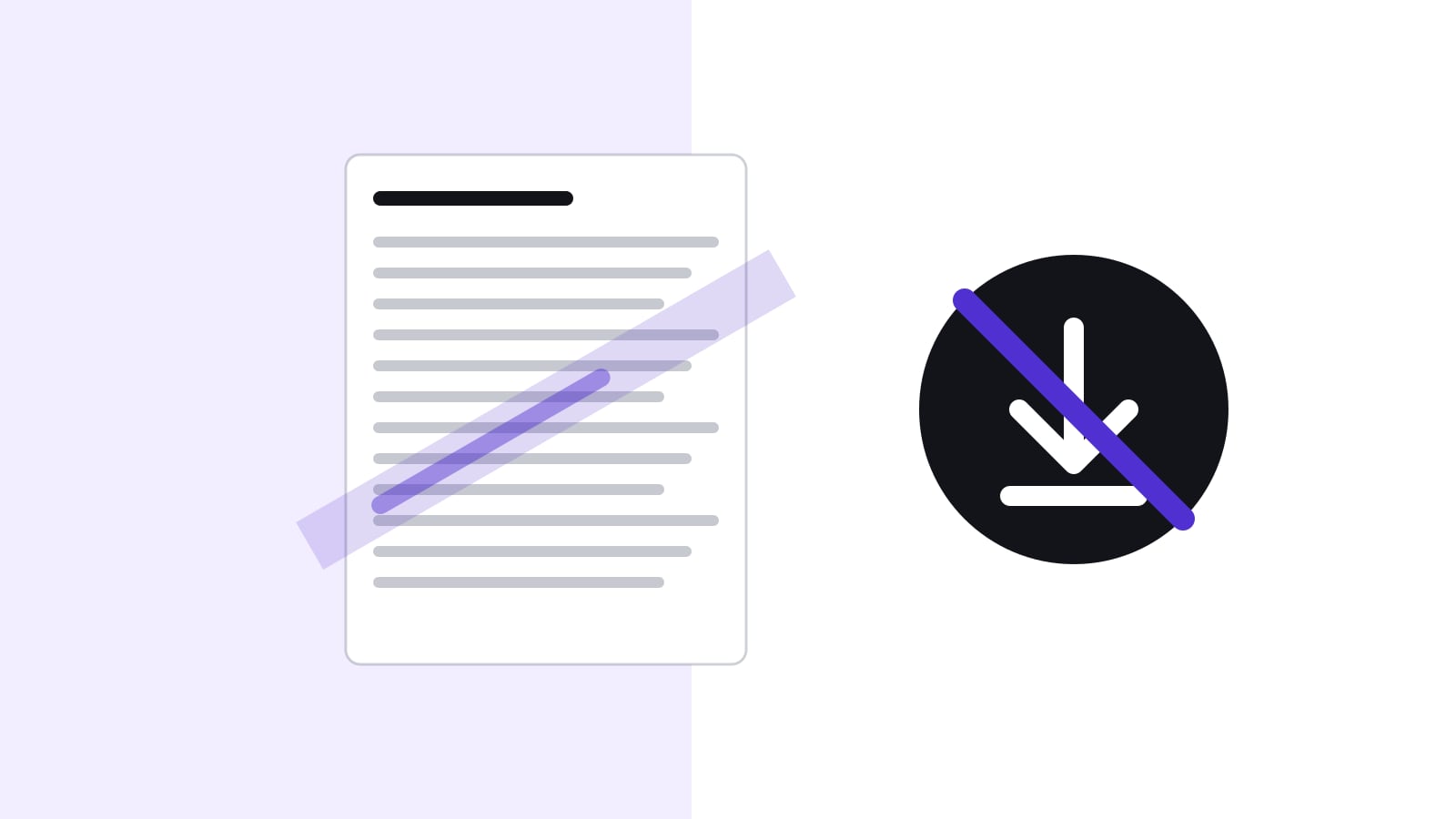
Download controls and watermarks reduce the risk that a board paper gets out, but none of them can stop someone who is determined to photograph a screen. A watermark with the reader's name deters forwarding and shows whose copy a leaked page was. View-only keeps the file inside the portal, and a download log shows who took a copy. The practical rule is one level per type of paper: routine papers downloadable, confidential papers watermarked, the few most sensitive papers view-only.
What can each control prevent, and what can't it?
The controls differ in what they stop and in what they only make visible. Mixing them up leads to false comfort: a director who sees a watermark may assume the paper cannot leave the portal, and a board office that sets everything to view-only may assume nothing can leak.
| Control | What it prevents | What it does not prevent | What it adds |
|---|---|---|---|
| View only (no download) | A file copy on the director's device, in a private cloud or in an email | Photographing the screen, copying text by hand, a screen share | Keeps the single current version in the portal |
| Printing disabled | Paper copies from the portal | Downloads where allowed; photographs | Signals that the paper is not meant to circulate |
| Name watermark | Nothing technically; it deters casual forwarding | Cropping a photo, retyping content | A leaked page shows whose copy it was |
| Access per paper | Readers who are not named | A named reader passing it on | A smaller circle to ask if something leaks |
| Download and first-open log | Nothing technically | Anything done offline afterwards | Evidence of who opened or downloaded which paper, and when |
The cheapest control is often the best one: fewer readers. A paper that only five named people can open has a short list of suspects and a short list of people to brief. The technical controls then back that up.
Why control downloads at all?
A downloaded paper is a copy the company no longer controls. It sits in a downloads folder, is synced to a private cloud, is forwarded to an adviser, or is printed in a hotel business centre. If the paper later leaks, the company cannot tell from where. For most papers that risk is acceptable. For a few it is not.
The opposite risk is real too. Directors who cannot read papers offline on a flight, or annotate them in their own app, may work around the portal, for example by asking for the paper by email. Too many restrictions push papers back into the channels the portal was meant to replace.
What do the four security levels mean?
| Level | What the director can do | Typical papers |
|---|---|---|
| Full access | Read, download, print | Agenda, routine reports, approved minutes |
| Watermark | Read and download; every page shows the reader's name | Financial results before publication, strategy papers |
| Printing disabled | Read and download where allowed, no printing | Papers that should not exist on paper |
| View only | Read in the portal; no download | Takeover offers, dismissals, investigations |
A watermark does not stop anyone from photographing a page. It changes the calculation: a forwarded or photographed page shows whose copy it was. That alone stops most casual forwarding, and it helps the board office find the source if a paper does leak.
How do vendors show a watermark?
Products differ in what the watermark contains and where it appears, so ask before you rely on it. As one example, the help centre of Diligent Boards says that by default the watermark shows the viewer's name and the date they viewed the document, that custom text can replace the name, and that it appears on exported documents and in the page view (checked on 28 October 2026). Other products show other details. The questions that matter are the same everywhere: does the watermark appear on screen as well as in exports, on which file types, and can a director remove it?
Which level for which paper?
| Paper | Suggested level | Who can make an exception |
|---|---|---|
| Agenda and invitation | Full access | Not needed |
| Approved minutes | Full access or watermark, as the board decides | Board office |
| Quarterly figures before publication | Watermark | Board office |
| Strategy and budget drafts | Watermark, printing disabled | Board office, with the chair |
| Offer for a takeover, litigation strategy | View only, restricted to named people | Chair only, recorded in the minutes |
| Dismissal of an executive, results of an investigation | View only, restricted to the people who decide | Chair only, recorded in the minutes |
Set a default level per board or committee, usually full access or watermark. Raise it for meetings with sensitive items, and raise it for individual papers rather than the whole meeting. Review the defaults once a year with the chair. Tell directors in the invitation which papers are view-only, so that they plan time to read them online.
What happens when a paper leaks anyway?
Take an invented case. A paper on a possible acquisition by Muster AG is set to view-only for five directors. A week later a journalist quotes a sentence from it. The board office pulls the log: it shows who opened the paper and when, and that nobody downloaded it. There is no file to trace, so the watermark does not help. What the log does give is a short list and a timeline, and the chair uses it to talk to the five people, not to accuse one.
Treat the log as a prompt for a conversation, not as proof of guilt. A director may have discussed the paper with a spouse or adviser without any bad intent, and the log cannot show that. It also helps to tell directors in the policy that downloads and first openings are logged, because logging their access is itself processing of their personal data.
Which mistakes should you avoid?
- Setting every paper to view-only. Directors then ask for emailed copies, and the control is gone.
- Adding a watermark without telling anyone. Directors should know their name is on every page and why.
- Having no route for exceptions. A director who must read a paper on a long flight needs a way to ask the board office, who can make an exception and record it.
- Protecting the paper but leaking its title in the calendar invitation or the notification email. Keep sensitive item titles neutral.
- Forgetting assistants. If an assistant acts for a director, make sure that the access and the audit entries show who did what.
What do directors need to know?
Directors should know three things: which papers they can download, that watermarks carry their name, and what to do if they need a view-only paper offline. The answer to the last one is usually to ask the board office, who can make an exception and record it. The directors page shows how directors read papers in the portal, and the board materials page shows how papers are organised and shared.
How does Konsaro handle download controls?
In Konsaro, document security levels can be set per board or committee, per meeting or per paper: full access, watermark (pages carry the reader's name), printing disabled, or view only. Only the people who manage the board or committee can download view-only papers. Access can also be restricted per paper or agenda item, and the audit log records downloads and the first opening of each paper. The security page has the details.
Frequently asked questions
Does a watermark stop a leak?
No. It deters forwarding and shows whose copy a page was, which helps the board office follow up. It does not stop a photograph of the screen, and a cropped or retyped copy may carry no mark.
Can directors still read view-only papers on a tablet?
Yes, as long as they read in the portal, which runs in a web browser. What they cannot do is keep a file. If they need offline reading, the board office can decide on an exception and record it.
Should approved minutes be downloadable?
Usually yes. Approved minutes are the record, and directors may need to keep them. Some boards still use a watermark so that circulated copies are traceable.
Who decides the security level of a paper?
The board office sets the level per paper within the defaults the board has agreed with the chair. For the most sensitive papers the chair decides, and exceptions are recorded.
Is it lawful to log directors' downloads?
Logging is a security measure, and the FADP requires appropriate security for personal data. The logs themselves contain personal data, so tell directors what is logged and why, and have your data protection adviser check the policy.
Can a portal block screenshots?
A web page cannot reliably stop a screenshot or a photograph of a screen. That is why the policy, the circle of readers and the name watermark matter as much as the technical settings.
Do we need a watermark if only five people can open the paper?
It is still useful. The small circle narrows who could have leaked it, and the watermark shows whose copy it was if a page circulates.
Sources
- Federal Act on Data Protection (FADP, SR 235.1), Art. 8: data security (checked 29 October 2026)
- Data Protection Ordinance (DPO, SR 235.11), Art. 3: technical and organisational measures (checked 29 October 2026)
- Diligent Boards help: Watermarking documents (checked 28 October 2026)
- Konsaro security overview (checked 28 October 2026)